· 3 min read
How do I invite a subcontractor to bid?
Send scoped, expiring links from your subcontractor directory — no account required on their end.
You invite subcontractors from your saved directory, not by typing an email address directly into the invite dialog.
- Open the bid package and click “Send to subcontractors” (this becomes “Invite more” once some are already invited).
- Check the subcontractors you want to invite from the list. If your directory is empty, there's an “Add some first” link to your subcontractors page.
- Set “Link valid for (days)” — defaults to 30, and can be anywhere from 1 to 365.
- Click “Send” (or “Send to {n}” when more than one is selected).
What the subcontractor actually gets — no account required
Each subcontractor receives their own private, expiring link. It genuinely doesn't require a Buildiante account: the page they land on is publicly reachable, authorized only by the long, random token in the link itself — the same way a lot of “private but link-only” file shares work. They also never see your own estimated rates, only the scope you packaged.
On their bid form, they enter a rate for each line item and see a running total as they go. The submit button reads “Submit my bid” the first time, and “Update my bid” if they come back to revise it before the link expires or bids close. There's also a place for them to ask a question, visible to everyone bidding on that package.
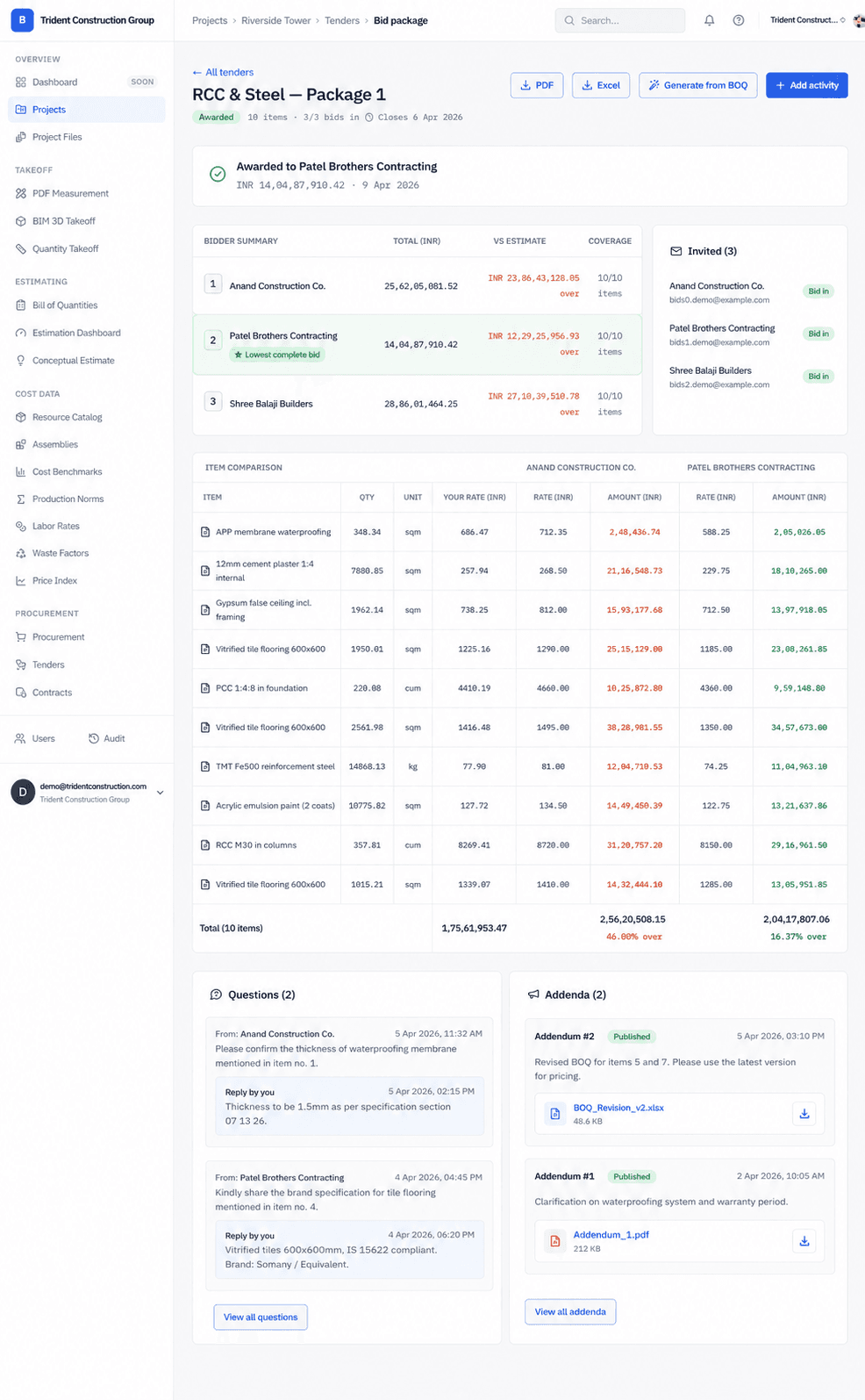
Once bids are in, see how to compare and award.
Was this article helpful?
Prefer Buildiante in Google Search
Add Buildiante as a preferred source to see our updates more often in Google's Top Stories and AI results.